
Lifestyle
Home Workspace Lighting for Darker Evenings
Nov 2, 2026 · 5 min read
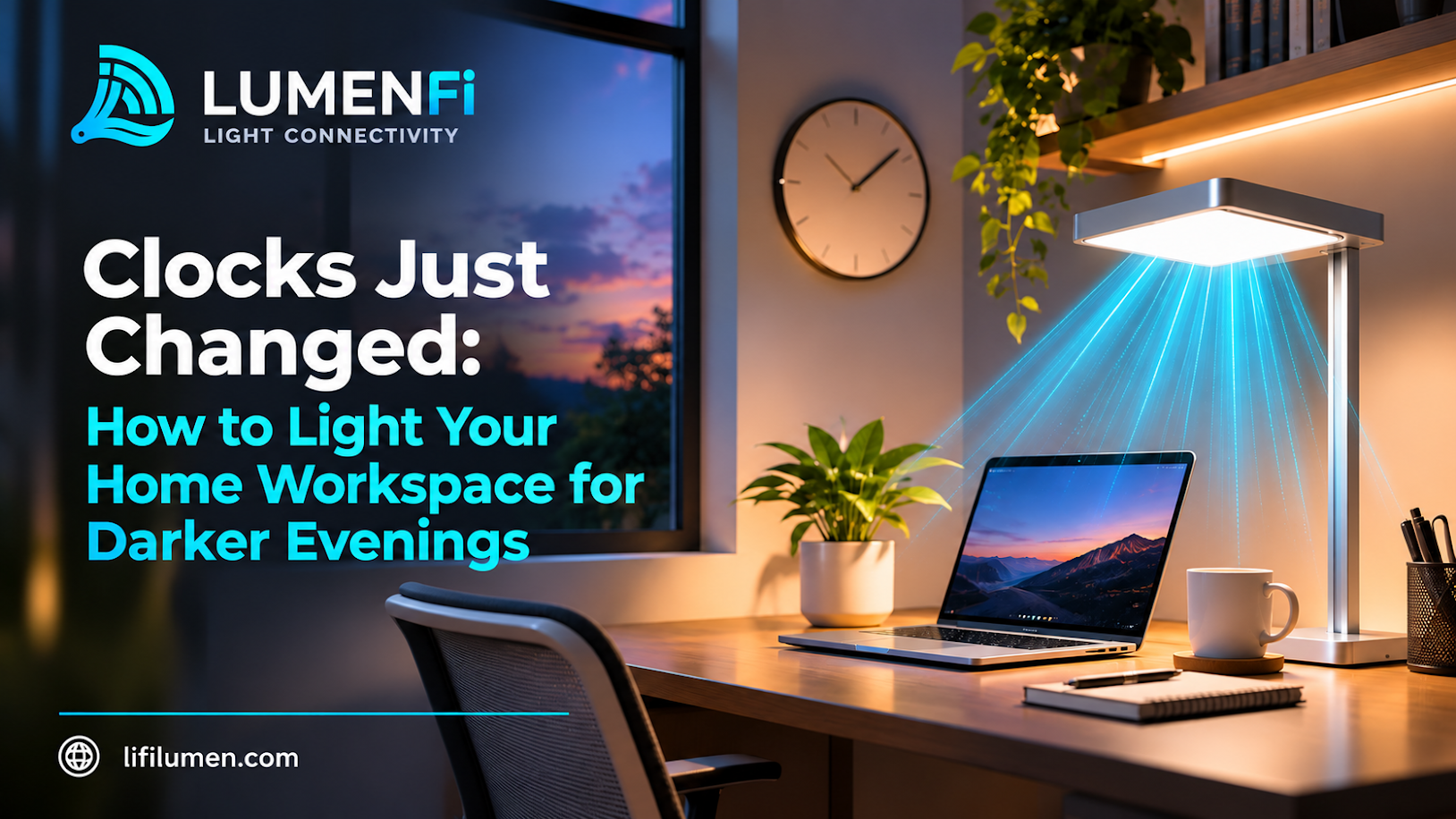
The clocks have changed in many places, including the US, and the evenings suddenly feel shorter. If you work, study, or game from home, you have probably noticed it already. The daylight that used to fill your desk at 5 p.m. is gone, and the room looks dimmer, flatter, and a little tiring.
Good lighting makes a real difference to how a workspace feels. This guide from Lumen LiFi covers how to light a home workspace for darker evenings, and how a lamp that also carries your connection can simplify the setup. If you are new to the technology, start with What Is LiFi?.
Why darker evenings change your workspace
When natural light fades, your room’s lighting has to do all the work. A single ceiling fixture is rarely enough, and a few common problems show up:
- Eye strain: a bright screen in a dim room forces your eyes to adjust constantly.
- Glare and reflections: harsh overhead light can bounce off your monitor.
- Shadows on your desk: light from behind you casts your own shadow over your keyboard and notes.
- A tired mood: flat, dim lighting makes long evening sessions feel heavier.
The fix is not one brighter bulb. It is a better layout of light.
The three layers of workspace lighting
Most well-lit workspaces combine three layers.
- Ambient light: the general light that fills the room, so your screen is not the only bright thing in view.
- Task light: focused light on your desk, keyboard, and notes.
- Accent light: softer light that makes the space feel comfortable instead of clinical.
You do not need three separate fixtures. One well-placed lamp can cover more than one layer.
Step 1: Place your light source thoughtfully
Where the light sits matters as much as how bright it is.
- Avoid light directly behind your screen, which creates glare and strains your eyes.
- Avoid light directly behind you, which casts shadows over your work area.
- Aim for light from the side or slightly above, so it falls across your desk without bouncing off the monitor.
- Keep the light close to your work area, so you are not relying on a distant ceiling fixture.
Step 2: Balance screen brightness with room brightness
A glowing screen in a dark room is hard on the eyes. Try to keep the room’s light reasonably close to your screen’s brightness. Many screens let you lower their brightness or switch to a warmer display mode in the evening, which can help the whole setup feel more comfortable.
Step 3: Choose a comfortable color tone
Light comes in cooler (bluer) and warmer (more yellow) tones. A common approach is:
- Cooler, brighter light for focused tasks during the working day.
- Warmer, softer light as the evening goes on, to help the room feel relaxed.
Choose whatever feels comfortable for you, and adjust it as your day changes.
Step 4: Use a lamp that does more than one job
Instead of adding a separate desk lamp, a floor lamp positioned near your workspace can give you ambient light and a task light at once. This keeps the area uncluttered, which is especially helpful in a small corner or shared room.
This is where the LiFi Lamp fits in. It is an indoor décor lamp with built-in LiFi, so it lights your space and provides a light-based connection alongside your WiFi. The top beam can double as your task light, so one piece covers lighting and connectivity together.
Light your workspace and connect it, too
The LiFi Lamp from Lumen LiFi is an indoor décor lamp with built-in LiFi, available in four finishes: White, Black, Silver, and Gold. It is available for preorder now.
Pre Order the LiFi Lamp →Step 5: Keep your connection in the light
LiFi carries data on light, so it works best when there is a reasonably clear path between the lamp and your receiver. When you plan your darker-evening workspace, place your laptop or desk where the lamp’s light can reach it without anything blocking the way. WiFi continues to cover the rest of your home, which is the idea behind “Your connection, your choice.”
Step 6: Keep the setup tidy
Evening work is more pleasant in a calm space. Keep cables off the floor, clear the desk of items you do not need, and give the lamp a spot where it will not be knocked or blocked. A tidy workspace reflects light better and feels easier to focus in.
Step 7: Build in breaks
Even great lighting does not replace rest. A common habit is the 20-20-20 rule: every 20 minutes, look at something about 20 feet away for 20 seconds. Stand up, stretch, and let your eyes relax, especially during long evening sessions.
A quick evening workspace checklist
- Move your light source to the side or slightly above your work area.
- Check for glare on your screen and adjust the angle.
- Lower your screen brightness or switch to a warmer display mode as evening falls.
- Use one lamp for ambient and task light where you can.
- Keep a clear path between your lamp and your receiver.
- Tidy cables and clutter.
- Take short breaks.
Curious how light carries your connection?
The Lumen LiFi Academy covers how light-based connectivity works and how to apply it, from the fundamentals to practical setups.
Explore the Academy →Conclusion
Darker evenings do not have to mean a worse workspace. With a few simple changes, such as better light placement, balanced screen brightness, a comfortable color tone, and a tidy desk, your home workspace can feel as good at 6 p.m. as it does at noon.
A lamp that lights your space and carries your connection makes that setup simpler. The LiFi Lamp is available for preorder, and you can also ask to be notified if you would like updates first.
Frequently Asked Questions
1. How bright should my home workspace be in the evening?
There is no single number that suits everyone, but a good goal is to keep the room’s light reasonably close to your screen’s brightness so your eyes are not constantly adjusting. Adjust until you feel comfortable.
2. Is warm or cool light better for working at night?
Many people prefer cooler, brighter light for focused tasks and warmer, softer light as the evening goes on. Choose whatever feels comfortable and change it through the day.
3. Can one lamp work as both ambient and task lighting?
Yes, a well-placed floor lamp can do both. The LiFi Lamp’s top beam can serve as a task light for your desk while the lamp lights the room.
4. Does the LiFi Lamp replace my WiFi?
No. LiFi is designed to work alongside WiFi. WiFi covers your whole home, and the lamp gives your workspace its own light-based connection.
5. Do I need to rewire my home to use a LiFi Lamp?
No. The LiFi Lamp is placed in a room like any other lamp. You also need a compatible receiver for your device, and your WiFi keeps running as normal.
Ready to brighten your evenings? Pre order the LiFi Lamp, explore Lumen LiFi, or contact our team with questions.